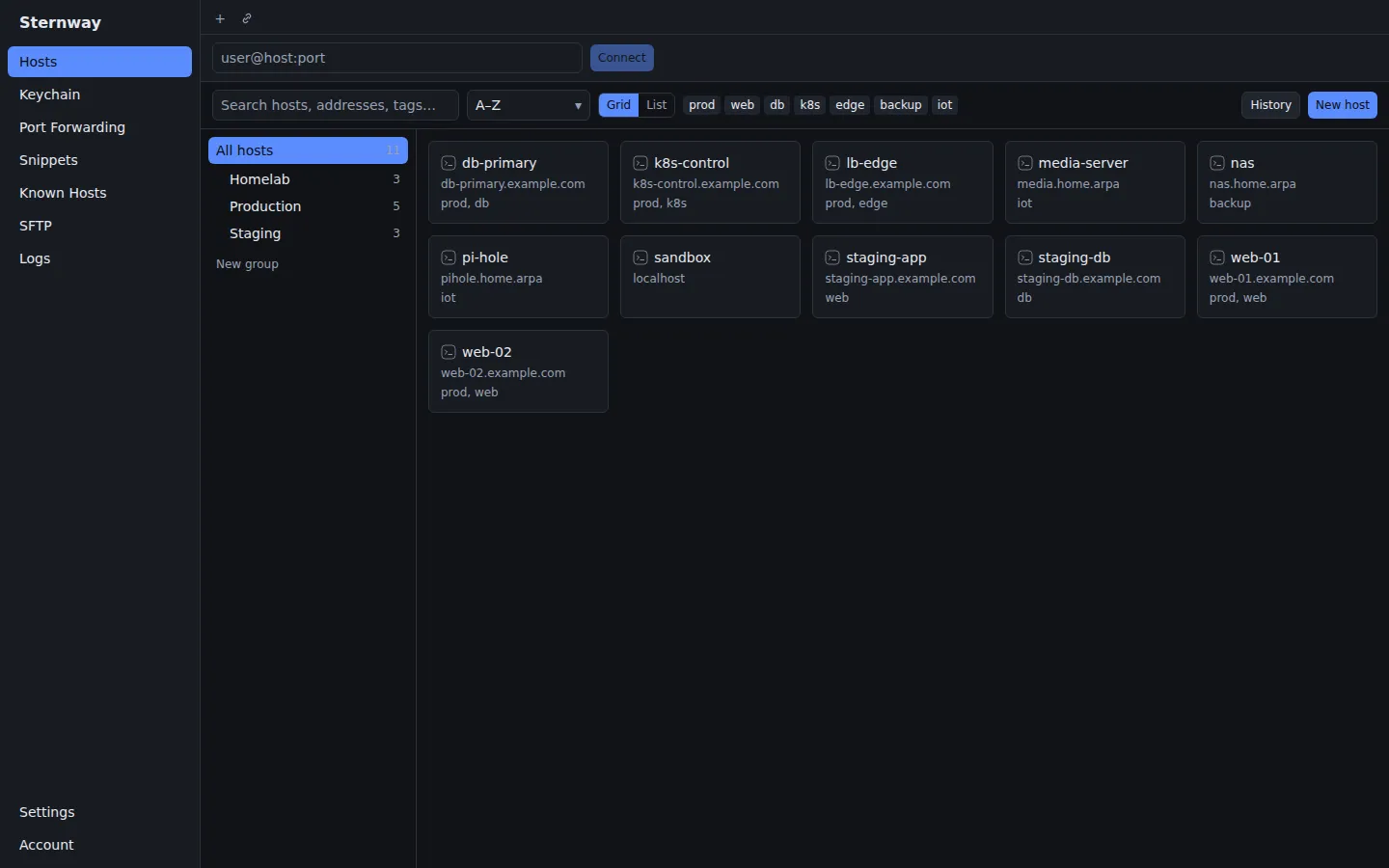
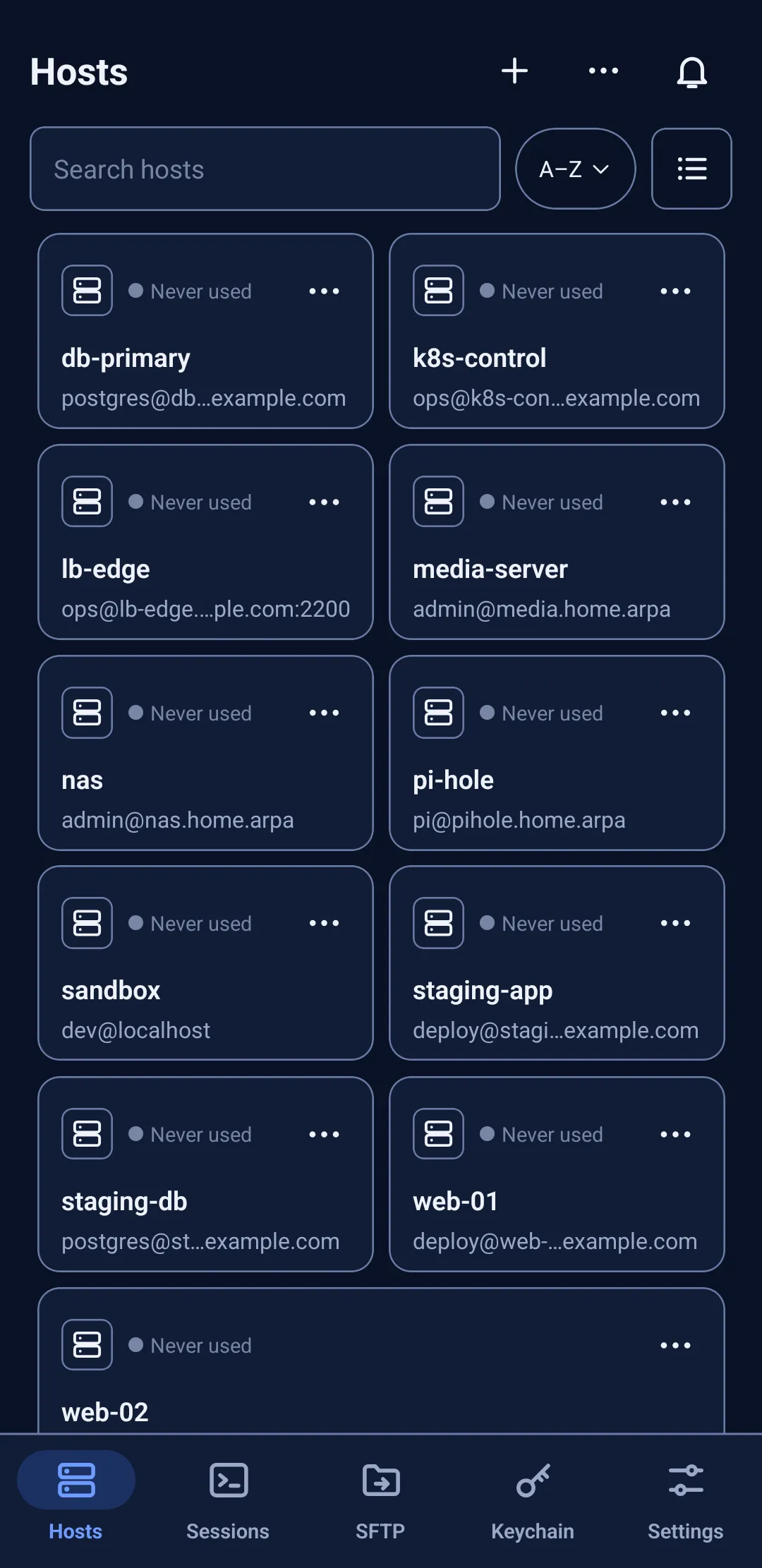
Sternway is an SSH client for Linux, Windows and Android. Your hosts, keys and snippets live in an encrypted vault on your own device, it works with no account, and you can take everything with you at any time.
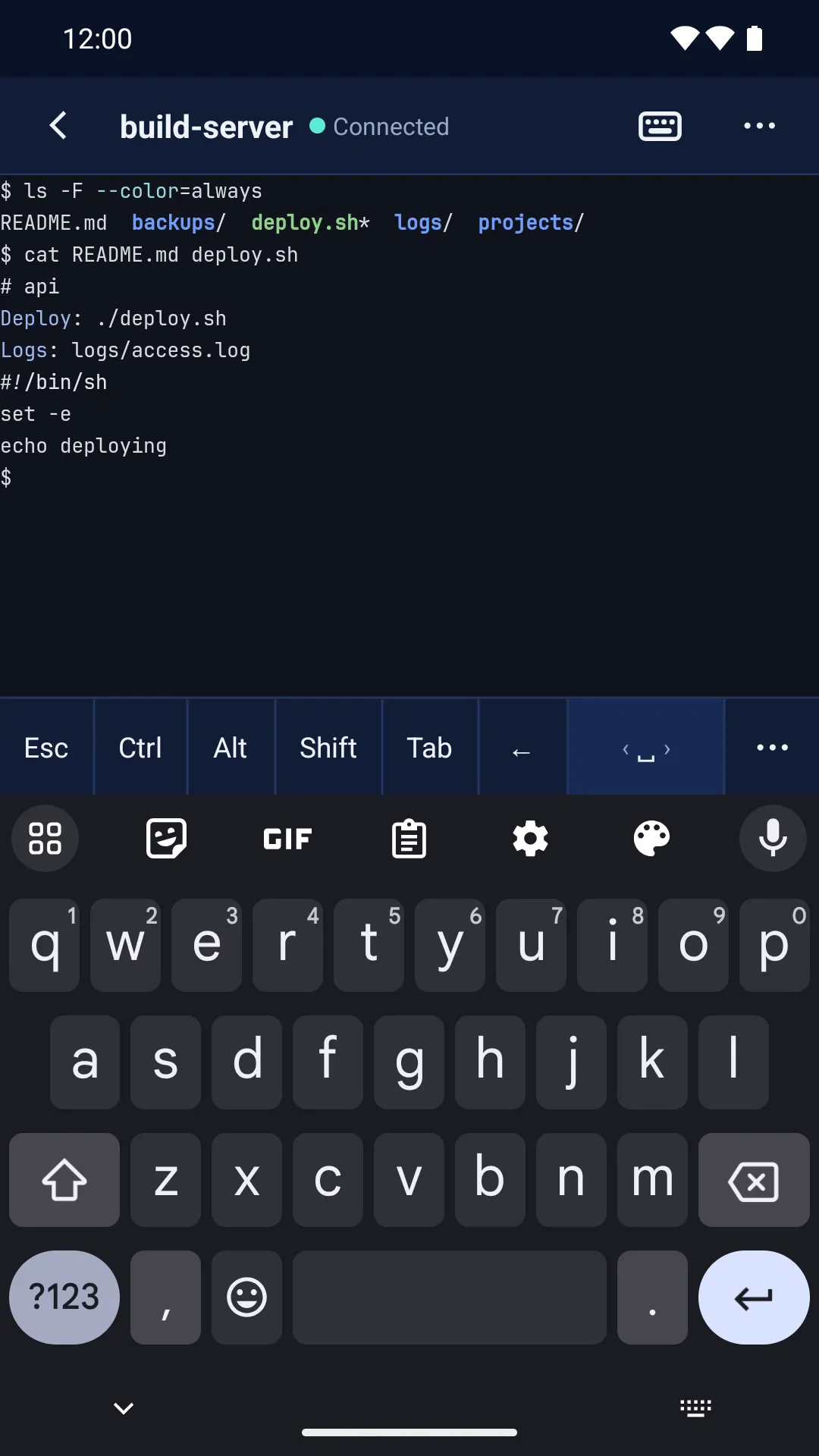
The real app, version 0.1.0-alpha.55, on Linux and on Android, with made-up demo hosts.
Why your hosts stay put
A snapshot before anything risky
Before an update, a sync, an import that replaces, or a restore, Sternway writes an encrypted snapshot of your whole vault to the device, and one a day when something changed. Restore any of them from Settings › Backups.
A sync that asks before it removes
If a sync would take away more than 20 items, or most of one kind, nothing is removed. Sternway takes a snapshot, holds the removals and asks. Keeping your data is the default answer.
This sync would remove a lot
Another device, or the server, says these were deleted. Nothing has been removed here yet.
48 of 50 hosts
Remove them here tooKeep my local data
The prompt's wording as the app shows it, with an example count.
Leave with everything
Export any snapshot as an encrypted backup file that opens on any device with your password. On the desktop you can also export your hosts as an ssh config file, CSV or JSON.
No account, ever required
Sternway works offline from the first start. Sync is optional, per vault: through a sync server you run, or through a folder you already sync, such as Syncthing or Dropbox.
The SSH client that survives on your phone
A full client, offline. Hosts, keys, SFTP and port forwarding on the phone itself, with no server in between.
A key row that works. Esc, Ctrl, Alt, Tab and the arrows above the keyboard, made to work with Samsung Keyboard and Gboard.
Sessions that come back. Sessions keep running in the background, and a tmux session comes back where you left off.
Android 7 or later. There's no iPhone version yet.
For teams: rules the server can't change
A team's owner sets policies (keys only, no plain-text export, app lock required, how long access lasts) and signs them. Every member's device checks the signature and follows them; the sync server, which you run yourselves, can't alter them. Team features on a self-hosted server will need a Business or Enterprise licence; prices aren't set yet.